The roof, building or managed asset comes first.
Optional monitoring layer
Humidynit Sense
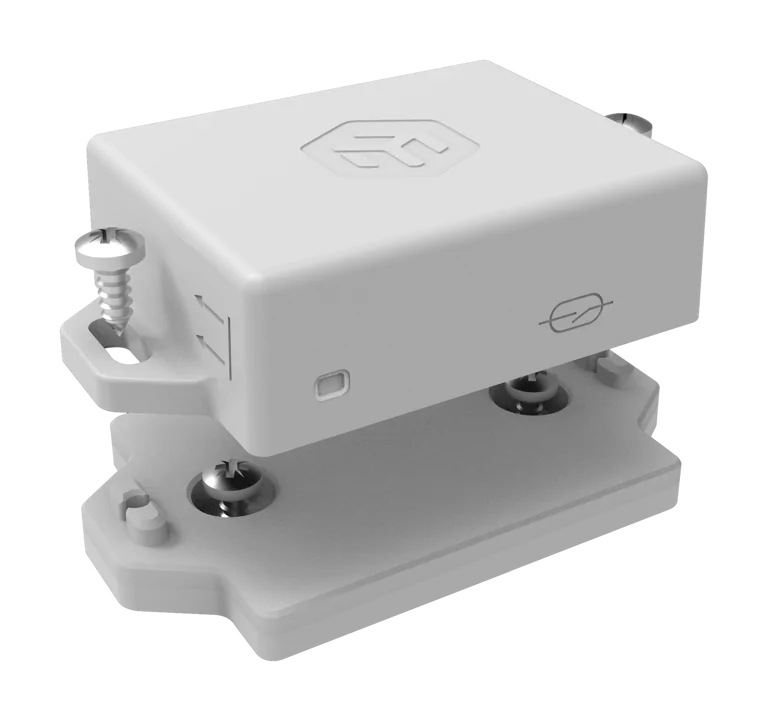
The monitoring layer can use reviewed third-party hardware such as the MikroTik TG-LR82 LoRaWAN sensor (863–870 MHz) where project compatibility is confirmed.
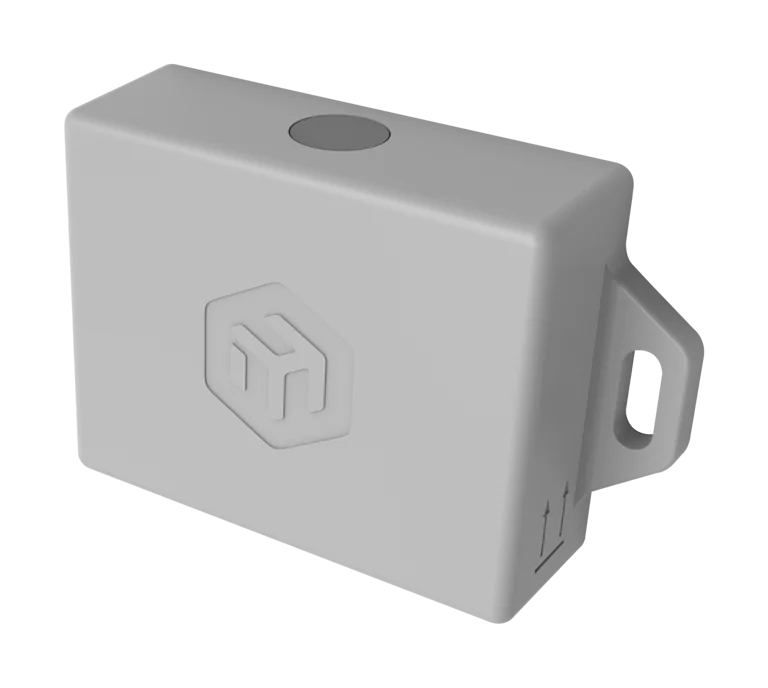
Hardware shown: MikroTik TG-LR82 · 863–870 MHz LoRaWAN sensor · Manufactured by MikroTik · Official manufacturer imagery.
What it does
Reviewed monitoring hardware where readings are needed
MikroTik TG-LR82 is a third-party LoRaWAN sensor for the 863–870 MHz band. Humidynit can use it within supported monitoring workflows where the project, gateway and Platform integration are confirmed. The device is manufactured by MikroTik; Sense describes the monitoring workflow, not a proprietary Humidynit sensor line.
System fit
Sense is added when monitoring is needed
The physical asset and Access point come first. KNOT Gateway moves supported readings where the device and integration path are confirmed, and Platform keeps the monitoring record, alerts, reports and service history reviewable.
Defines the planned point teams return to.
Adds condition readings when changes should be visible.
Moves supported readings from site toward review.
Keeps the object history reviewable over time.
FieldPassfield recordsCareservice follow-up
Workflow
Sense workflow
Place the sensor, connect it to the object context, move supported readings through KNOT Gateway and review changes over time.
Place sensing point
Select where moisture, temperature or supported condition readings should be tracked.
Attach asset context
Connect the sensor to the correct object, zone or monitored location.
Move readings
Send supported readings through the connectivity layer.
Review changes
Compare readings over time and identify changes that need attention.
Act on findings
Use Platform, FieldPass or Care when readings need inspection or follow-up.
Why it matters
Condition readings help teams see changes earlier and keep decisions tied to the asset.
Earlier awareness
Changes can be visible before the next planned visit.
Better context
Readings are easier to interpret when they stay tied to the object.
Connected action
Findings can lead into review, inspection, documentation or service follow-up.
Project decision
Add condition readings after the asset and access context are understood.
Use it when
Defined conditions should be tracked for a period or continuously.
Prepare before discussion
Measurement objective, location, environment, interval, connectivity and maintenance access.
Best next step
Request a compatibility review. MAIN does not publish an unverified approved-sensor list.
Technical references
Continue into hardware documentation.
Use the Help Portal for device, gateway, datasheet and setup detail. Compatibility is confirmed against the actual project and supported integration path.
Related pages
Continue into the product, workflow or asset context that matches the next decision.
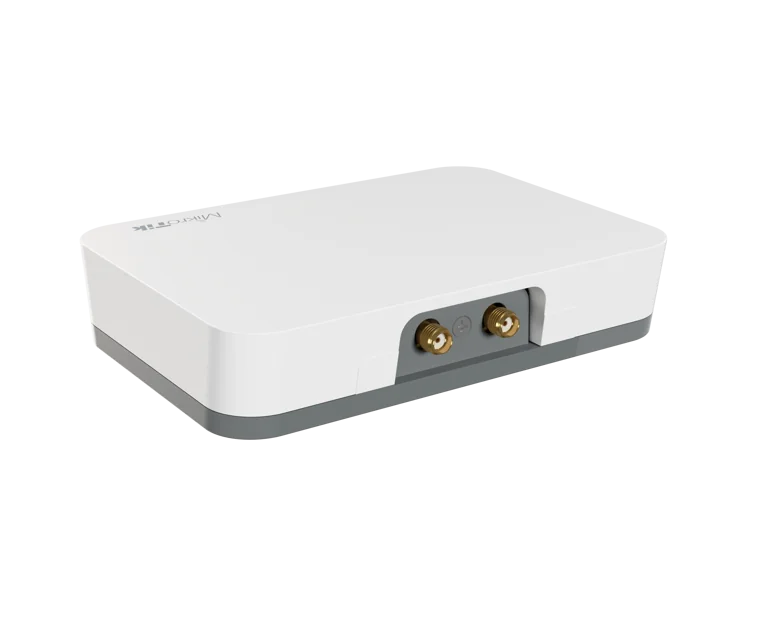
MikroTik KNOT connectivity
Review the supported gateway path from site into Platform.
View KNOT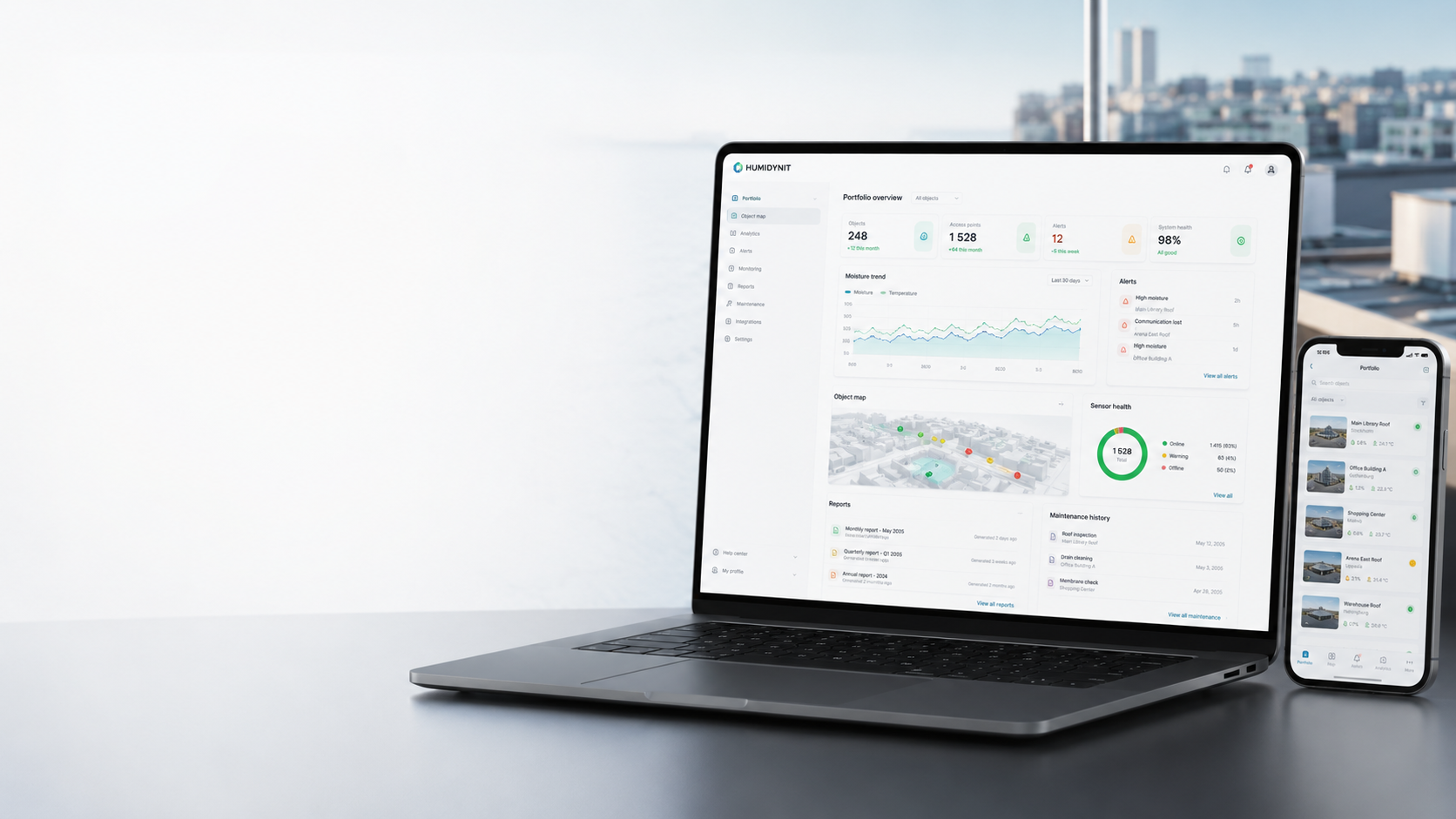
Humidynit Platform
Review readings beside objects, alerts, maps, reports and long-term history.
View PlatformHumidynit FieldPass
Capture field evidence when readings need inspection or documentation.
View FieldPass Monitoring
Use condition readings to detect changes earlier and support maintenance decisions.
View Monitoring