The roof, building or managed asset comes first.
Review and operations layer
Humidynit Platform
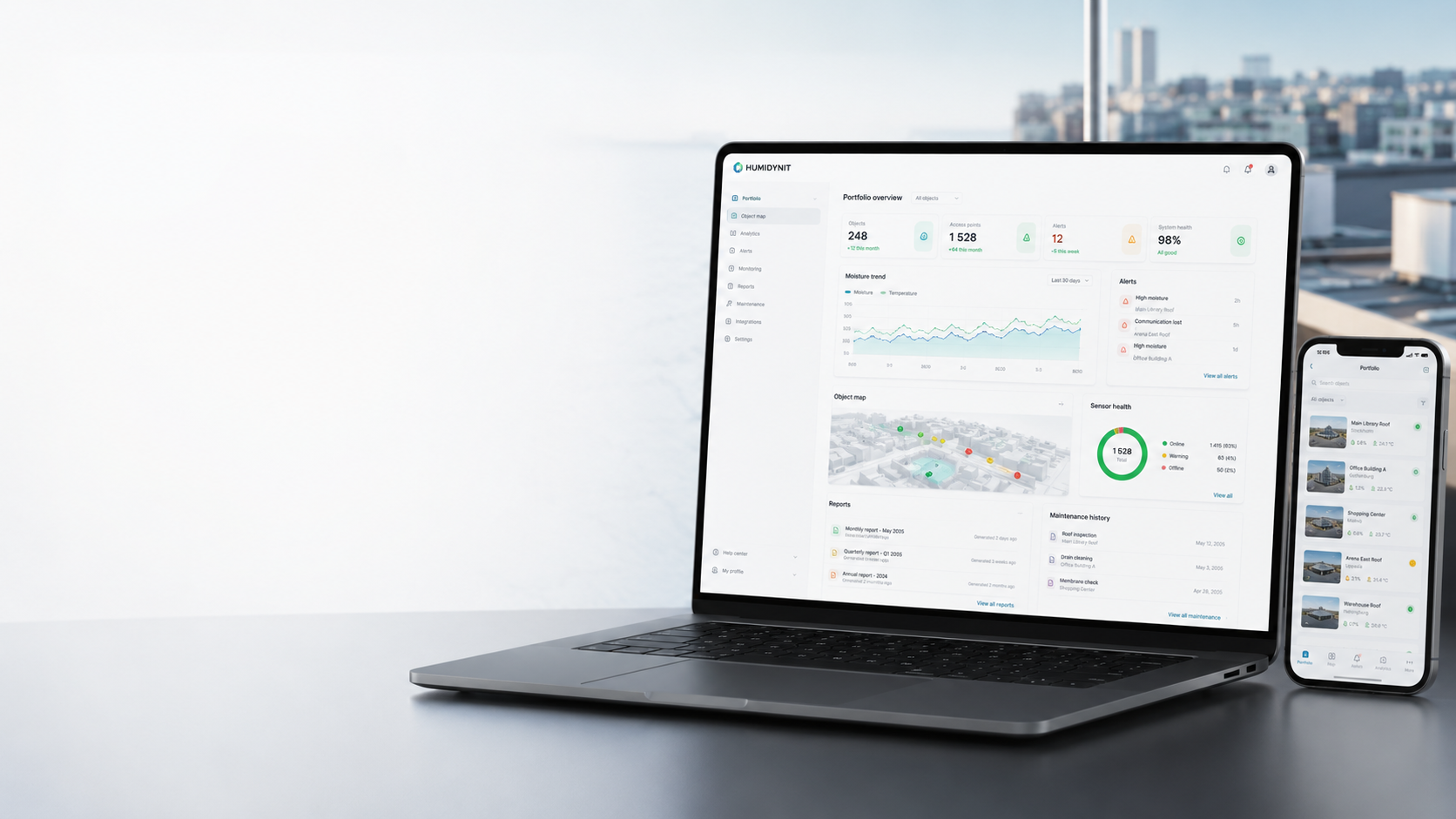
The central workspace where connected readings, alerts, reports, field records, service history and object history stay tied to the asset.
What it does
The central layer for readings, alerts and asset history
Humidynit Platform is the sensor management platform and IoT sensor dashboard where connected roof monitoring, building monitoring, alerts, reports, field records and service history stay tied to the same object.
System fit
Platform is the long-term value layer
Access creates the physical reference, KNOT Gateway moves supported data, and Platform keeps readings, alerts, reports and service history reviewable over time.
Defines the planned point teams return to.
Adds condition readings when changes should be visible.
Moves supported readings from site toward review.
Keeps the object history reviewable over time.
FieldPassfield recordsCareservice follow-up
Workflow
Platform workflow
Create the object record, review readings and field evidence, track alerts and keep reports connected over time.
Create object context
Set up the asset, location, access points and operating context.
Review readings
Use supported sensor and gateway data in object context.
Track alerts
Keep attention on changes that need review or follow-up.
Manage reports
Store field records, documents and decisions with the object.
Coordinate action
Support owners, partners and teams with shared history.
Why it matters
A reviewable object history keeps decisions from being scattered across tools and teams.
Clear context
Assets, readings and records remain connected.
Better decisions
Teams can compare what happened, what changed and what is next.
Shared history
Owners, partners and service teams can work from the same record.
Project decision
Keep object records, readings, alerts, maps and reports in one operating history.
Use it when
Teams need a durable review layer beyond the public website.
Prepare before discussion
Objects, users, roles, existing records, connected devices and reporting needs.
Best next step
Discuss onboarding or use the existing account login. This public page does not create accounts.
Technical references
Continue into hardware documentation.
Use the Help Portal for device, gateway, datasheet and setup detail. Compatibility is confirmed against the actual project and supported integration path.
Related pages
Continue into the product, workflow or asset context that matches the next decision.
Humidynit FieldPass
Capture field evidence that can support the asset history.
View FieldPassHumidynit Care
Turn findings into service follow-up connected to the object history.
View Care Analytics & reports
Turn readings and field records into reviewable evidence.
View ReportsDigital object passport
Keep identity, readings, field records and service history connected to the asset.
View Passport