
The roof, building or managed asset comes first.
Field documentation layer
Humidynit FieldPass
The field documentation app for inspections, photos, notes, reports and approvals connected to the object history.
What it does
Field records from the site to the object
Humidynit FieldPass helps teams document inspections, findings, photos, notes and reports while keeping the evidence connected to the correct object or asset context. Offline work and later synchronization are used where those capabilities are supported.
System fit
FieldPass adds field evidence
The physical asset comes first. Access defines where teams return, Sense adds readings, KNOT Gateway moves supported data and Platform keeps the object history. FieldPass adds field records when teams need site evidence and reports.
Defines the planned point teams return to.
Adds condition readings when changes should be visible.
Moves supported readings from site toward review.
Keeps the object history reviewable over time.
FieldPassfield recordsCareservice follow-up
Workflow
FieldPass workflow
Open the object, capture evidence, add notes, prepare reports and keep approvals connected to the history.
Open object
Start from the correct asset, location or inspection context.
Capture evidence
Take photos, add notes and record site findings.
Prepare report
Organize field evidence into a structured report workflow.
Review and approve
Support review, comments or approvals before final delivery.
Keep history
Store the field record with the object for future comparison.
Why it matters
Field documentation is more useful when it stays connected to the asset and future work.
Better proof
Photos and notes remain tied to the object context.
Faster reports
Structured field evidence can support repeatable report workflows.
Useful history
Future visits can compare against earlier records.
Project decision
Capture field evidence that remains useful after the visit.
Use it when
Photos, notes, inspections, reports or approvals must stay tied to the asset.
Prepare before discussion
Field roles, evidence types, approval path, object structure and reporting output.
Best next step
Discuss the field workflow and Platform context. This page is not a public account-registration flow.
Related pages
Continue into the product, workflow or asset context that matches the next decision.
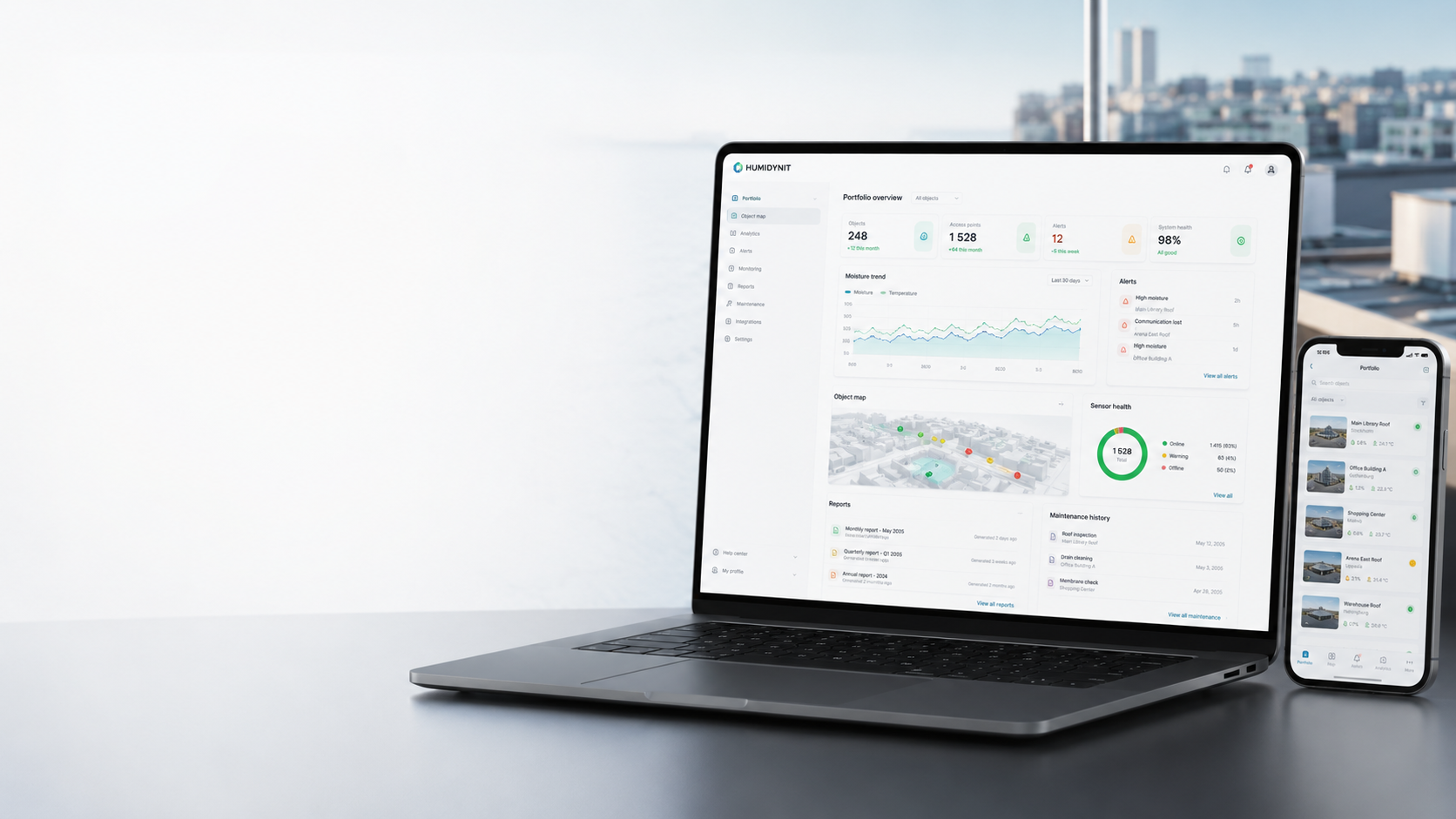
Humidynit Platform
Review object history, readings, alerts, reports and service context.
View PlatformHumidynit Care
Turn field findings into service follow-up and maintenance history.
View CareField documentation
Keep photos, notes and reports structured around the object.
View Documentation
Roofs
Capture inspection evidence and reports around roof assets.
View Roofs