
The roof, building or managed asset comes first.
Connectivity layer
MikroTik KNOT / Humidynit connectivity
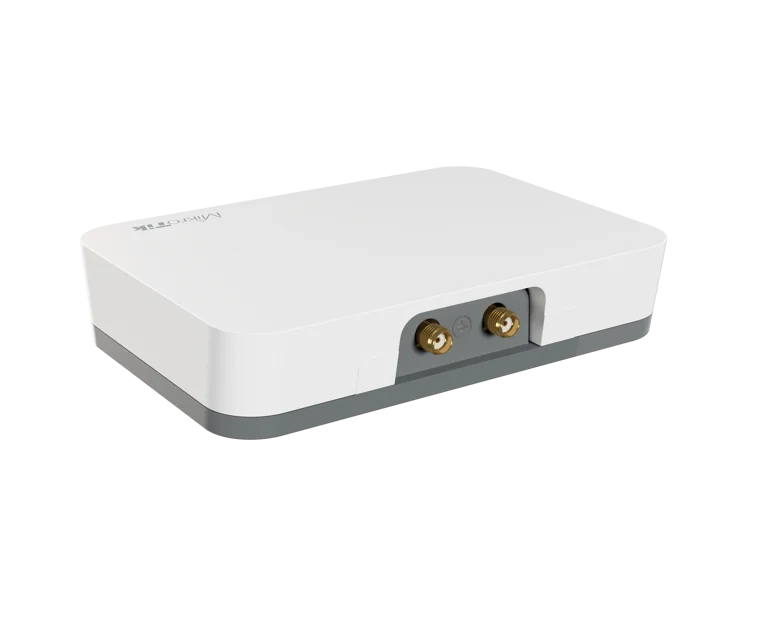
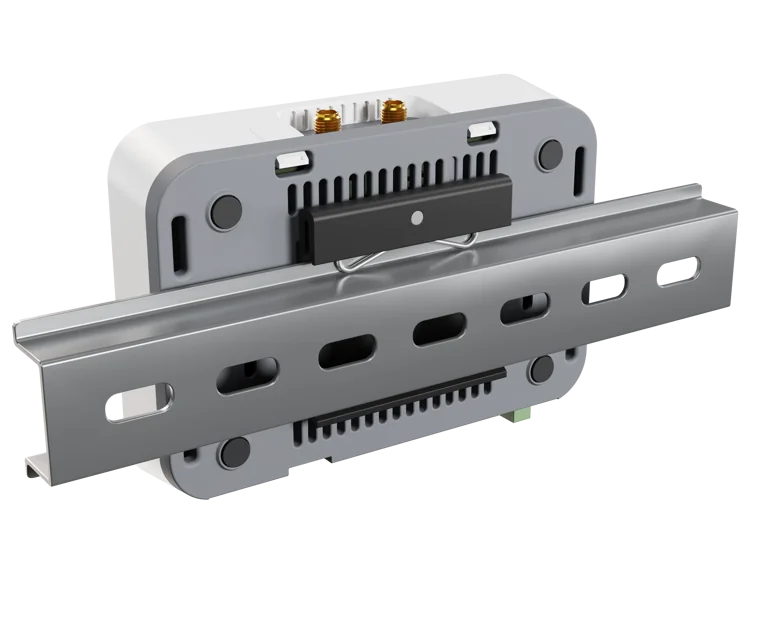
MikroTik KNOT (RB924i-2nD-BT5&BG77) used as the Humidynit connectivity and gateway layer where the project and integration path support it.
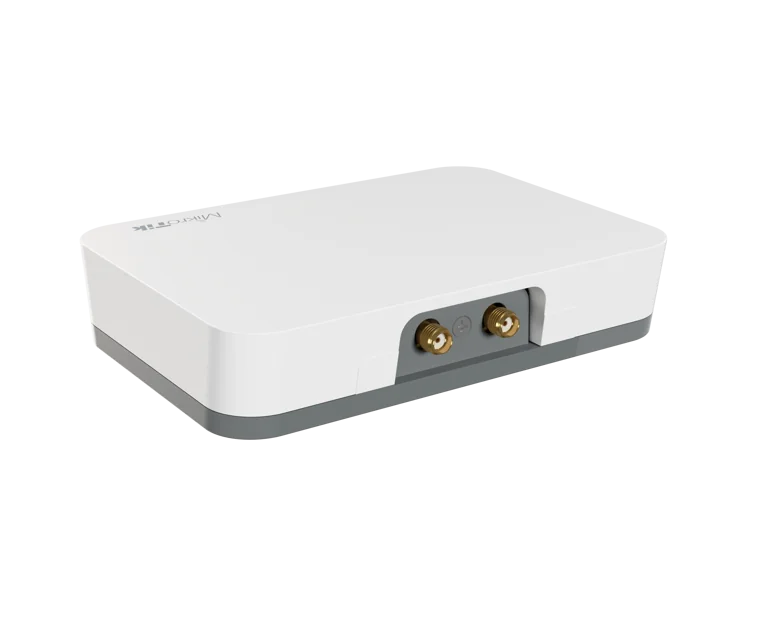
Hardware shown: MikroTik KNOT · RB924i-2nD-BT5&BG77 · Manufactured by MikroTik · Official manufacturer imagery.
What it does
Official MikroTik KNOT hardware in the Humidynit connectivity layer
KNOT is manufactured by MikroTik. Humidynit uses the RB924i-2nD-BT5&BG77 where applicable to provide a supported data path between compatible site devices and Platform. Hardware selection and compatibility are confirmed against the actual project; KNOT is not presented as a proprietary Humidynit device.
System fit
KNOT connects site data to Platform
The physical asset and Access point define the place. MikroTik KNOT connects selected compatible readings and site data to Platform where the project and integration path support it.
Defines the planned point teams return to.
Adds condition readings when changes should be visible.
Moves supported readings from site toward review.
Keeps the object history reviewable over time.
FieldPassfield recordsCareservice follow-up
Workflow
KNOT Gateway workflow
Install the gateway, connect supported devices, move readings and keep the data path available for review.
Plan gateway position
Choose a location that supports the asset, sensors and connectivity needs.
Connect supported devices
Link the supported readings or devices that need to move data.
Move site data
Transfer supported readings toward the digital environment.
Monitor continuity
Keep the data path available for long-term object review.
Support follow-up
Use Platform, FieldPass or Care when data requires action.
Why it matters
A reliable gateway layer keeps supported readings connected to the asset history.
Stable data path
Supported readings do not stay trapped in isolated devices.
Object-level context
Connectivity remains linked to the monitored asset.
Review readiness
Platform can use supported data for object history, alerts and reports.
Project decision
Connect supported site hardware without overstating compatibility.
Use it when
Sensor readings need a managed path from site to Humidynit.
Prepare before discussion
Site power/network conditions, device list, protocols, placement and service access.
Best next step
Confirm compatibility and gateway requirements before selecting devices or installation scope.
Technical references
Continue into hardware documentation.
Use the Help Portal for device, gateway, datasheet and setup detail. Compatibility is confirmed against the actual project and supported integration path.
Related pages
Continue into the product, workflow or asset context that matches the next decision.
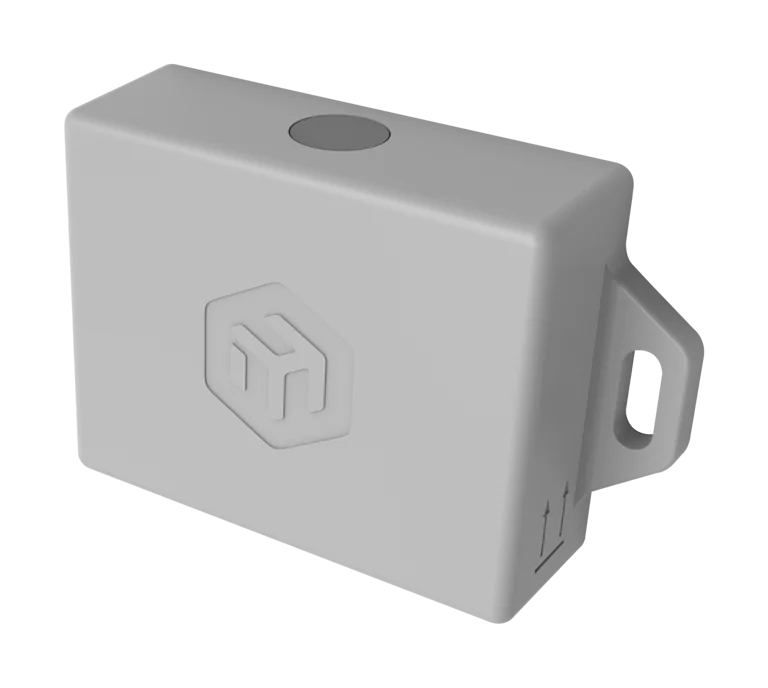
MikroTik TG-LR82
Review the supported 863–870 MHz LoRaWAN sensor workflow.
View monitoring
Humidynit Platform
Review readings, gateway status, alerts, reports and object history.
View PlatformHumidynit Care
Turn findings and data into service follow-up when action is needed.
View Care Alerts
Route attention when readings or connectivity context need review.
View Alerts