Choose the repeatable inspection location before evidence and readings are collected.
PHYSICAL ACCESS LAYER
Humidynit Access
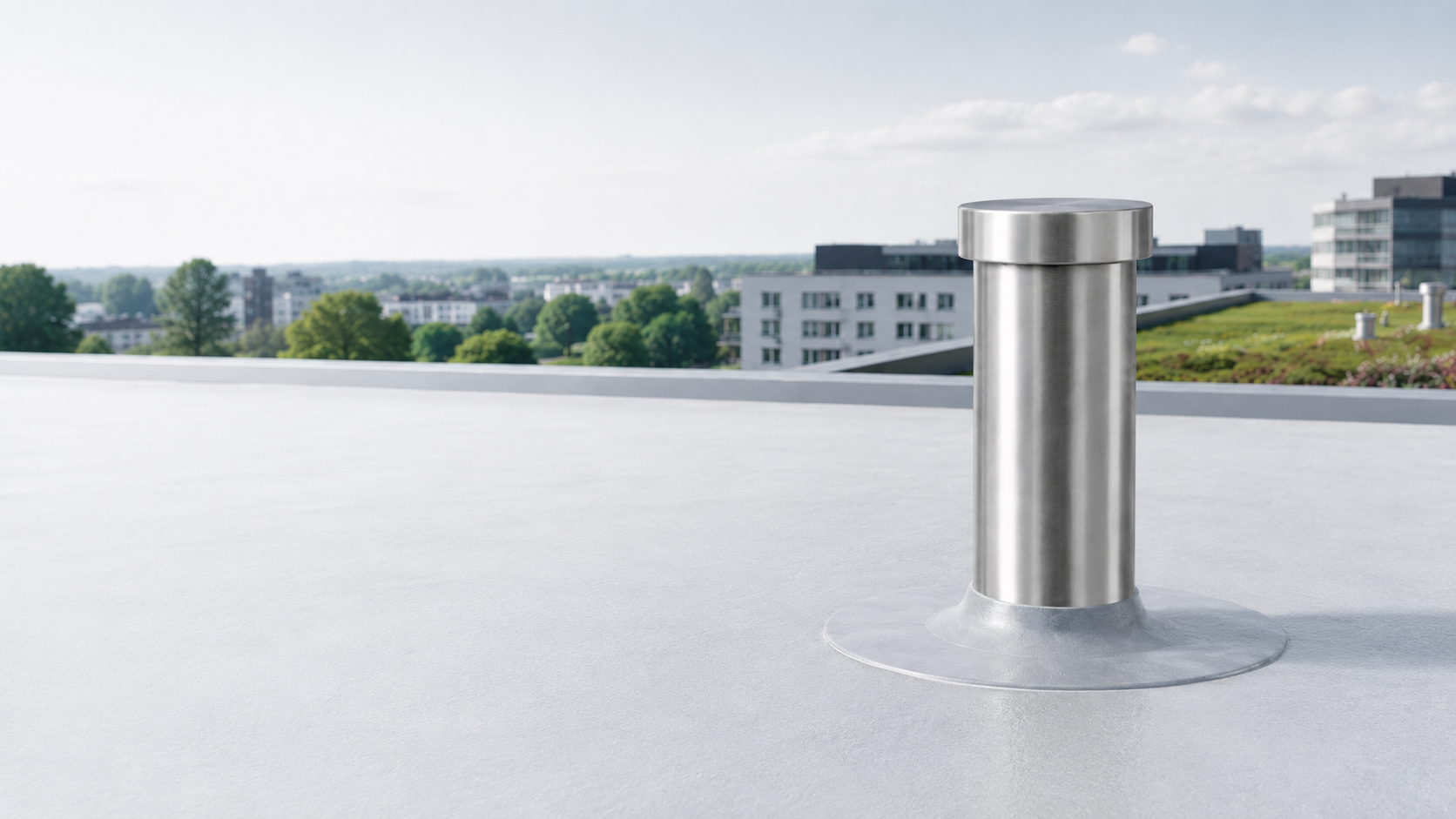
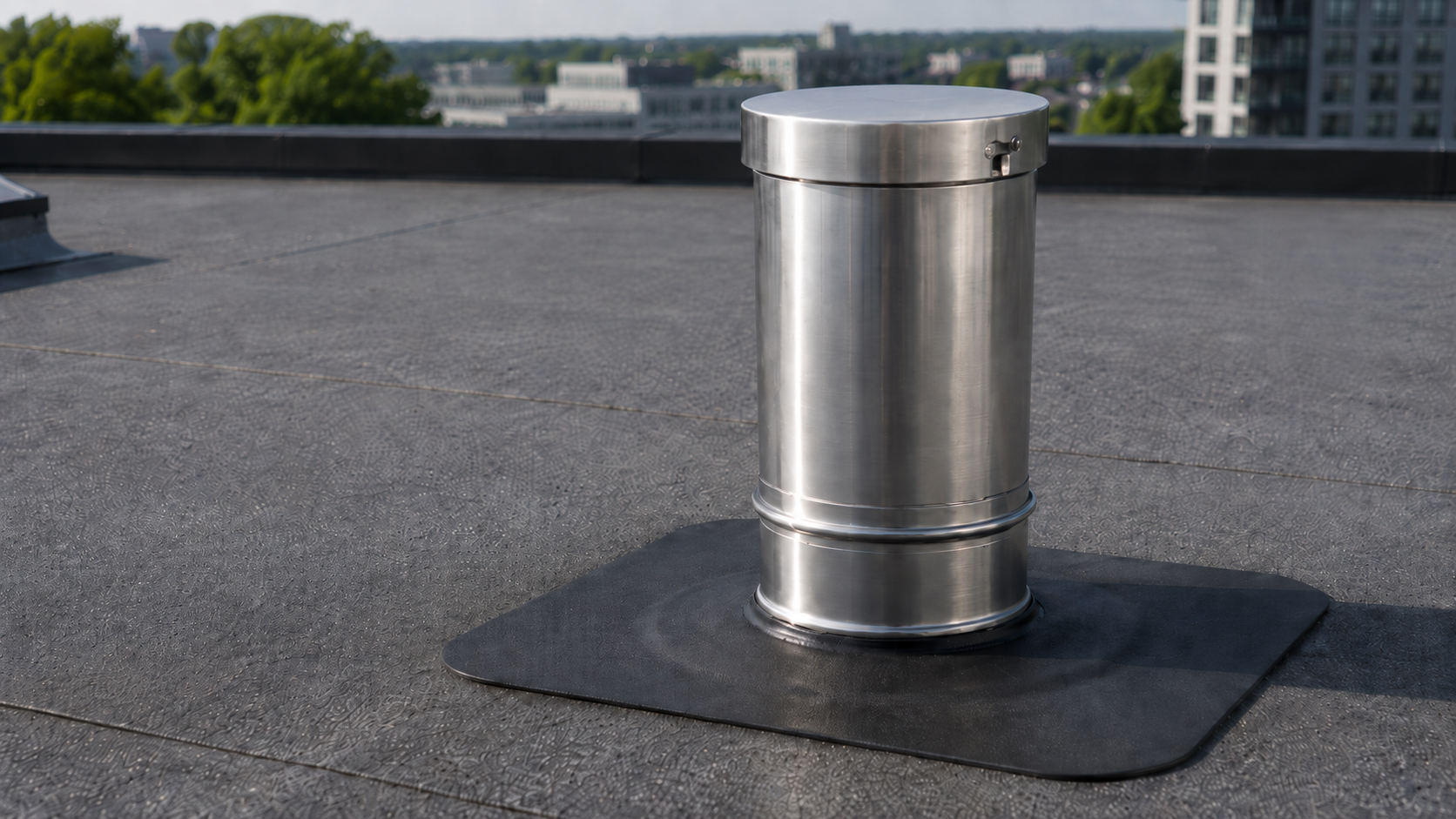
Planned controlshafts and access points for repeatable roof and building inspection, sensor placement and monitoring readiness.
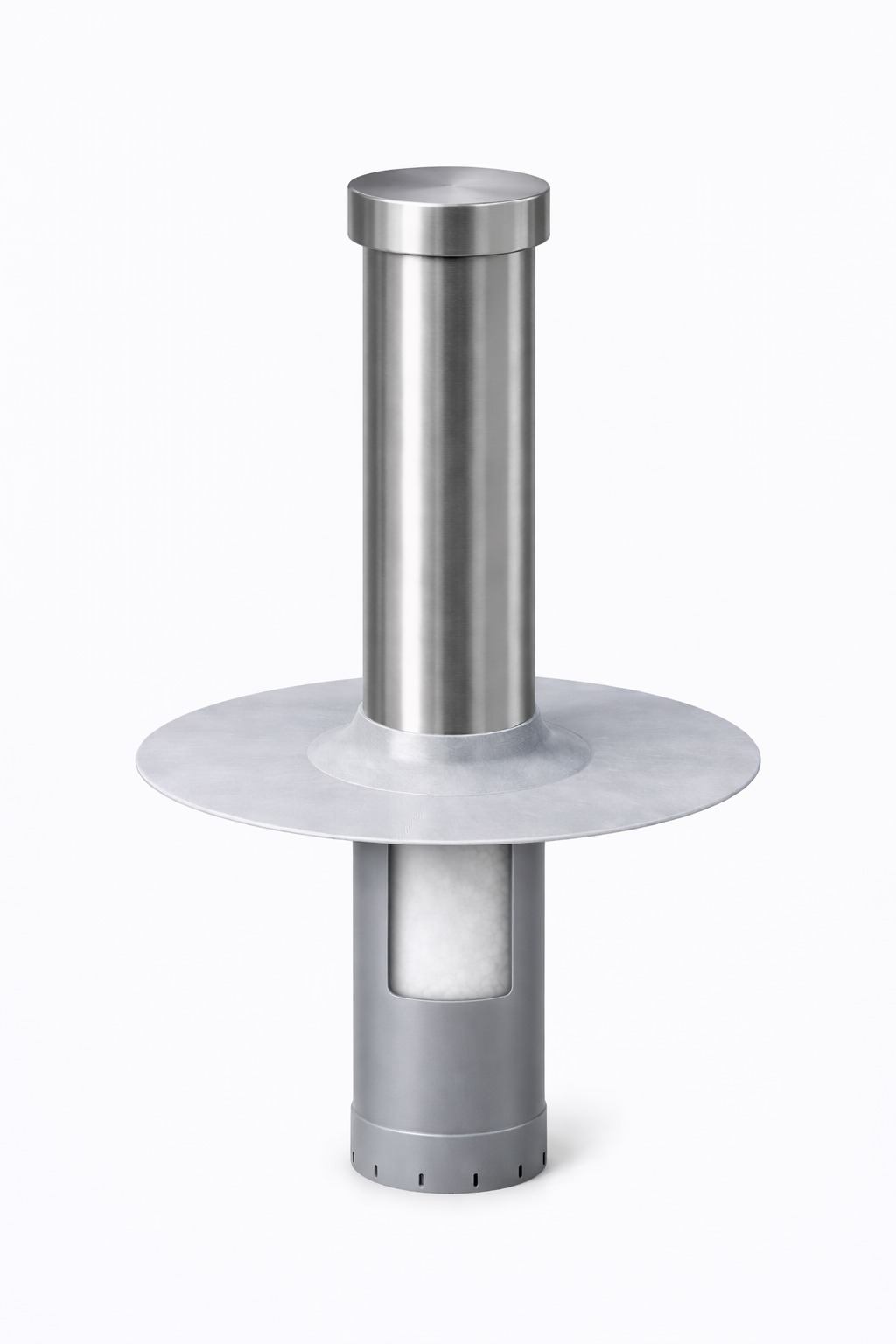
PRIMARY ENTRY PRODUCT
A fixed access point before the monitoring setup.
Humidynit Access gives the roof, building or managed asset a planned physical location that teams can return to over time. Instead of placing evidence, inspections, sensor context and service decisions around changing reference points, Access creates a repeatable place for the object history to begin.
CONFIGURATION DIRECTION
Plan the access point around the roof and monitoring need.
Access can be specified as part of the roof or asset workflow. The exact configuration depends on the roof type, membrane context, inspection purpose and whether future monitoring or KNOT connectivity is planned.
Plan the access point around the roof build-up and membrane requirements.
Tie the physical point to future photos, reports, approvals and object history.
Prepare the location for later sensors, KNOT Gateway connectivity or service follow-up.
FIELD WORKFLOW
From physical access to connected evidence.
Access becomes more valuable when inspection evidence, gateway data, readings and service decisions return to the same physical point.
Plan the access point
Select where repeatable inspection and monitoring context should begin.
Document the location
Connect photos, notes, reports and approvals to the same object record.
Connect through KNOT
Where monitoring is needed, supported sensors can send data through KNOT Gateway.
Review in Platform
Readings, alerts, reports and service history stay connected around the asset.
Project decision
Plan the physical point before monitoring grows around it.
Use it when
Teams need repeatable roof or building inspection access.
Prepare before discussion
Roof build-up, membrane context, access purpose and installation constraints.
Best next step
Define the Access configuration, then decide whether KNOT, sensors and Platform belong in the same setup.
Technical references
Continue into hardware documentation.
Use the Help Portal for device, gateway, datasheet and setup detail. Compatibility is confirmed against the actual project and supported integration path.
Related pages
Continue into the product, workflow or asset context that matches the next decision.
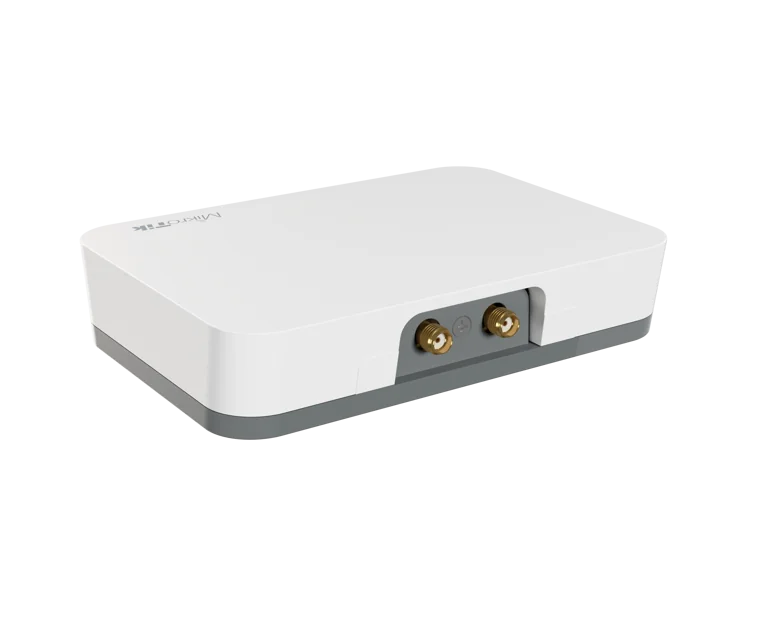
KNOT Gateway
Move supported sensor and site data from the Access context into the Humidynit workflow.
View KNOT Gateway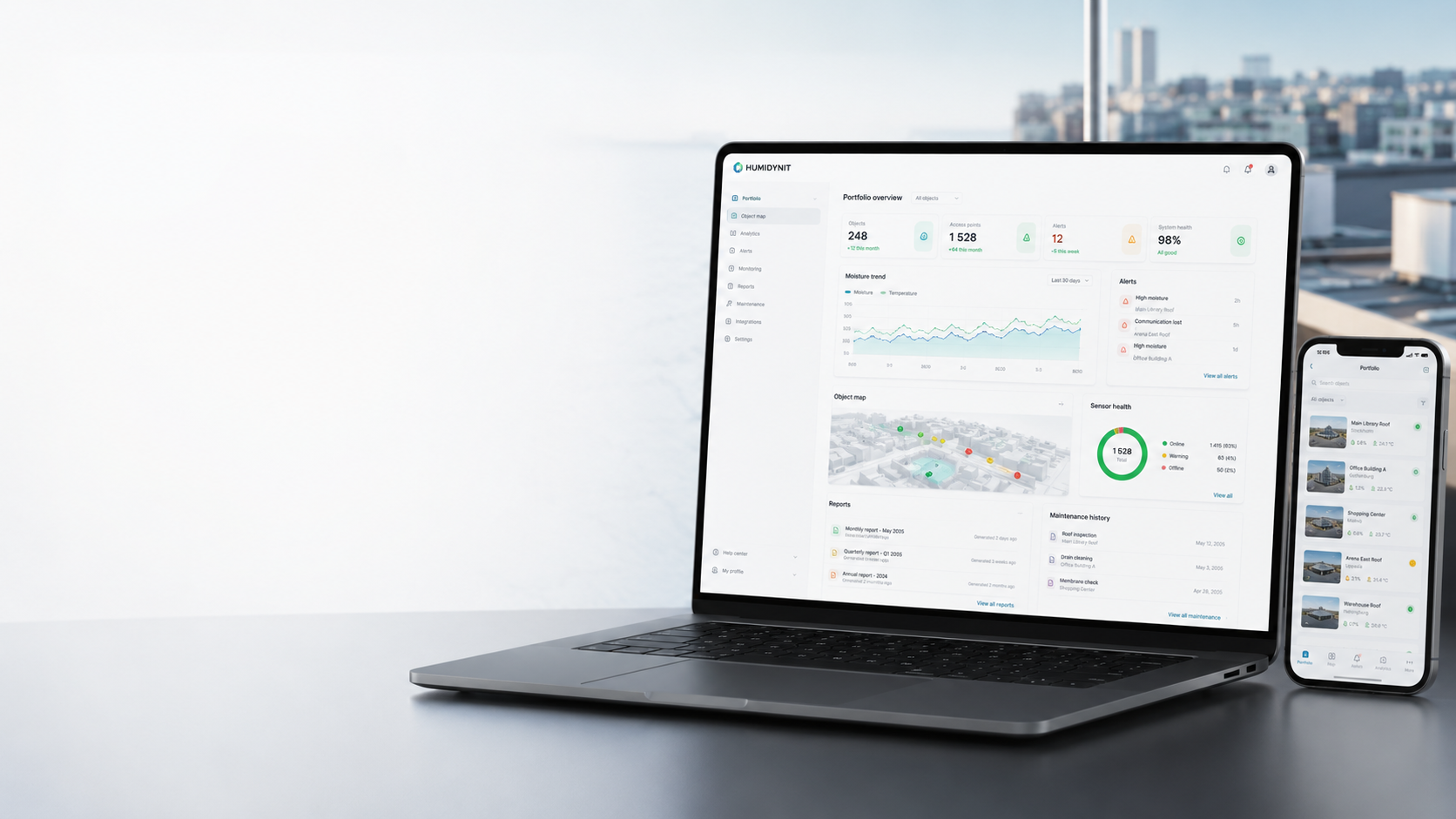
Humidynit Platform
Review readings, alerts, reports and object history after Access creates the physical anchor.
View Platform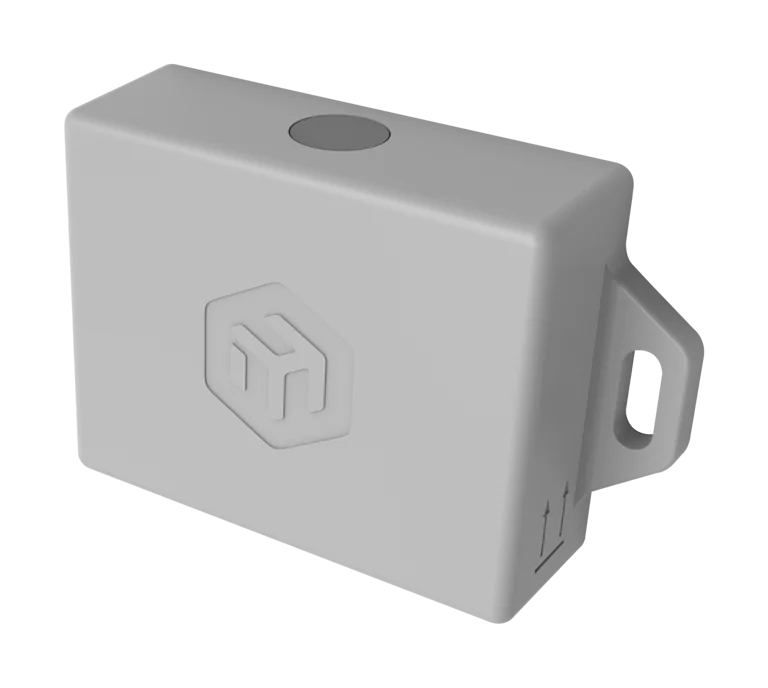
Humidynit Sense
Add condition readings where the asset needs monitored context after the access point is clear.
View SenseHumidynit FieldPass
Capture photos, notes, inspections and reports from the same planned access location.
View FieldPass